
AI Christmas light design
Fast and reliable mockups for your customers
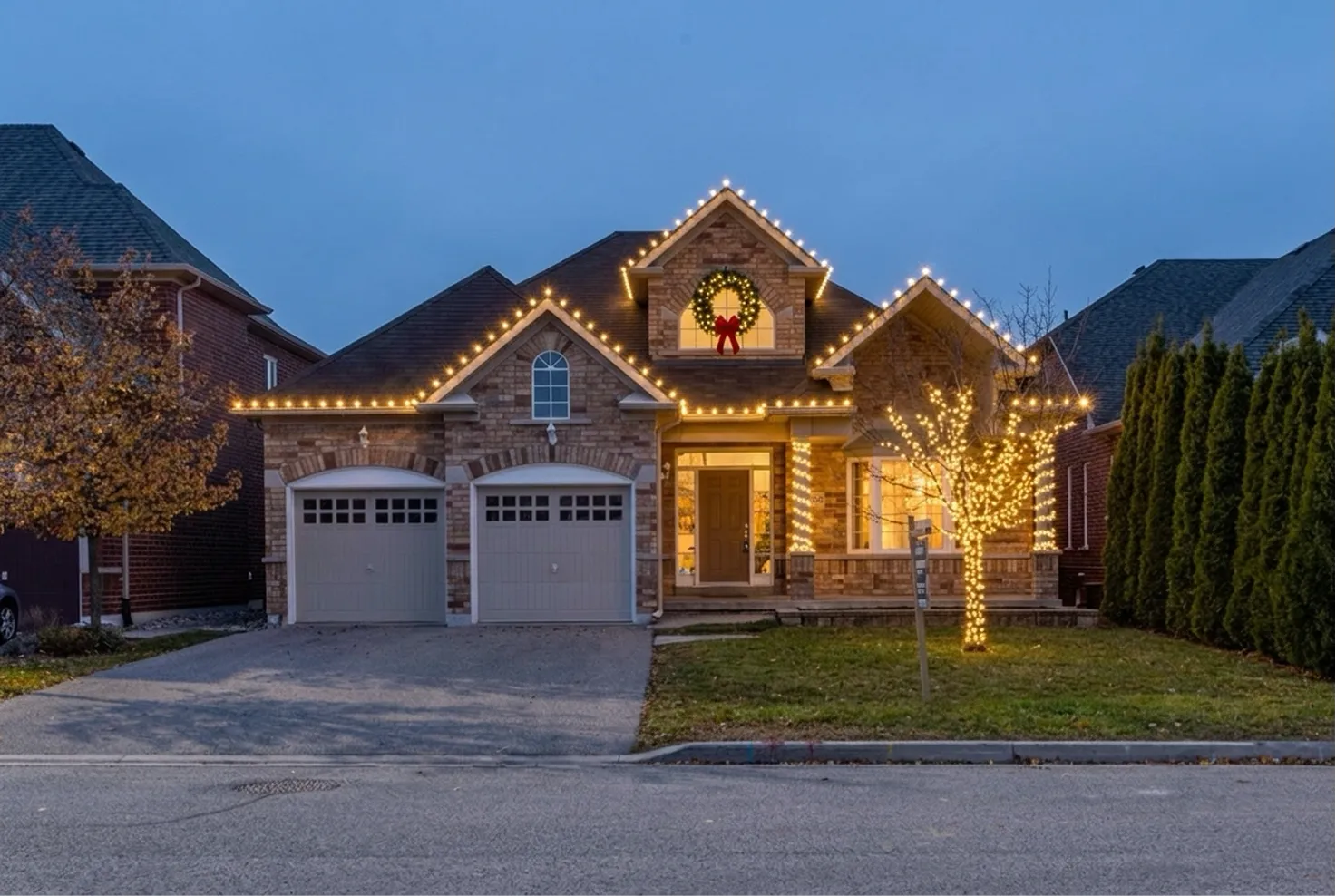
 PhotoAI render
For iPhone and iPad
Mark the roofline, pick your bulbs and colors, and Holiday Lights Pro turns a daytime photo into a photorealistic night render of the same house. Show customers the finished display before you install.
- 1 Take a photo of the house
- 2 Mark where the lights go
- 3 Pick bulbs, colors and scene, then render